

Domain Search Filter Options
Powerful & Flexible Domain Searching
In order to handle the phenomenal amount of domain names and filter options that we currently have available at RegisterCompass you would need a highly advanced search metrics to give you the absolute best flexibility in your searching. You also need the ability to combine a number of settings and customize the way you conduct your searches.
Global Search Setting – Filter Operator:
There are basically two general methods that you can use to combine all your selected filter options.
- Your displayed domains should match at least ONE of the selected domain filter options
- Your displayed domains should match ALL selected domain filter options
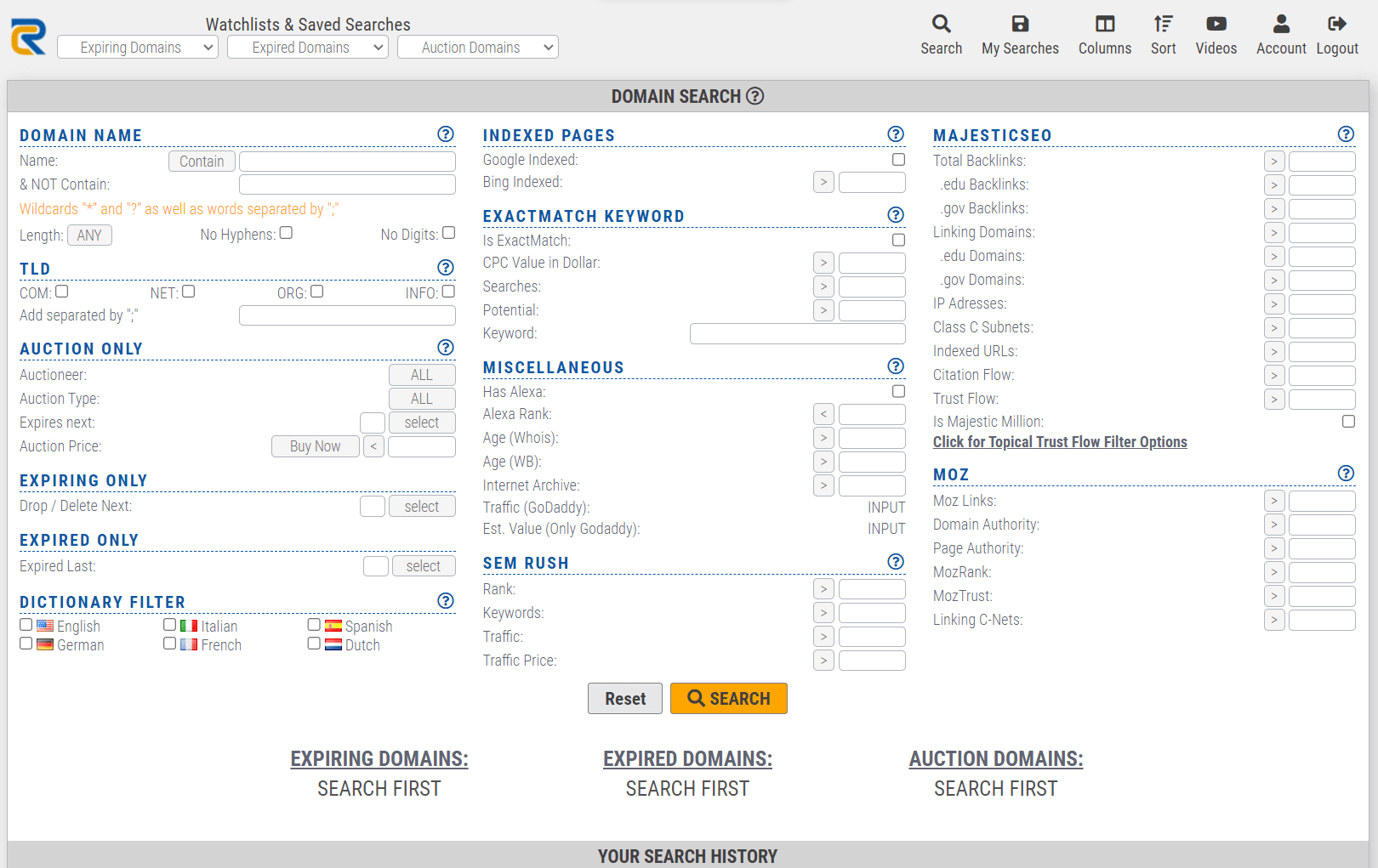
There are no limitations on the searching capabilities You can combine any filter set that you want
Some possible example searches could be:
- Domains with Domain Authority + more than 50 links in Google AND no longer than 10 chars
- Domains with AlexaRank below 1,000,000 AND only .COM Domains AND listed in English dictionary
- Domains no longer than 3 Letters AND only .COMs
- Domains with more than 50 Links in Google OR more than 100 Links in MajesticSeo
- Domains listed in DMOZ directory AND English directory
- Domains listed in English dictionary OR listed in German dictionary AND more than 20 pages indexed in one of the Search Engines
And many many more …
RegisterCompass is the ONLY place where you get this type of flexibility in your domain searches AND the only place where you have the capability of combining the needed number of settings to ensure that you find exactly the domains that you want.
We also give you the flexibility to switch between your search results from expiring, expired or auction domains – all without having to begin a new search.
Customizable Templates will help you to show only the data columns that you want to see.
Save / Load Domain Filter Settings
Once you have defined which filter settings you prefer, and you have got the amazing results that you were looking for, you can save these results for access later if you want.
This will help you to search much faster for domains when you actually have the time. Instead of beginning a new search every single time that you want to hunt for new domains, you can simply look into your search results and find what you are after much faster and easier.
AND
You can get domain results that match your saved search filters in your email inbox every single day!!
You can also receive advanced domain reports that are compiled for you completely on autopilot – this saves you an abundance of time and effort in finding those absolute must-have domains.